
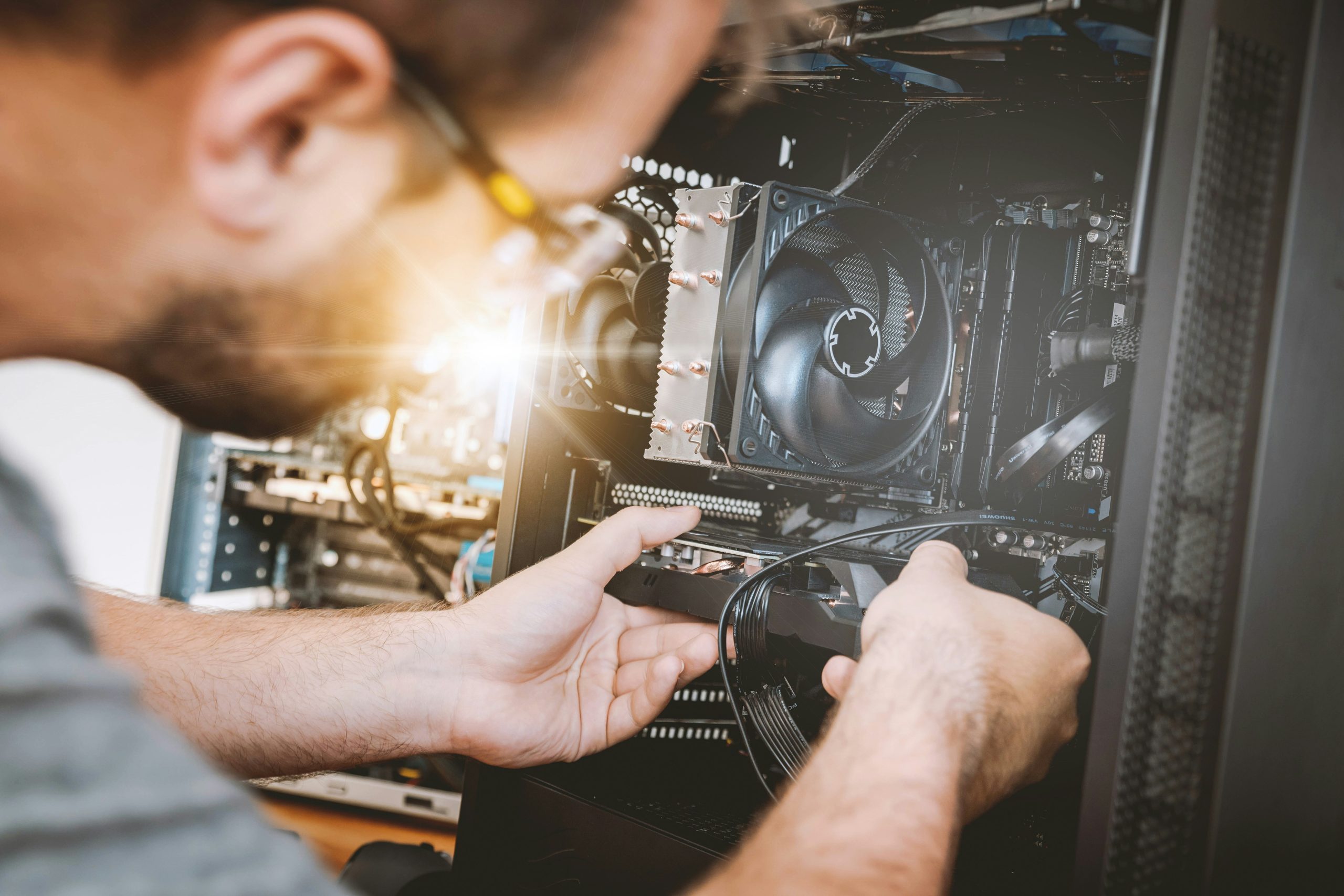
Any IT infrastructure The functional system has two very important components: hardware and software. We have already discussed the software and provided you with valuable information about it, and now it is the turn of IT equipment something more tangible. Read on to learn what hardware is, what its components are, and what their role is. And then you can decide what hardware to purchase, depending on your needs.
The definition or translation for hardware is simple: the physical part of a computer system, that is, those visible components that you can touch. They allow software programs to be executed using various technical processes. Optical, acoustic or electrical signals are received and processed by the hardware, even stored and then used to play back information.
In a hardware store you will be able to find ready-made systems or you will be able to purchase various pieces of hardware with which to make your own configuration. Thus, hardware components are divided into four major categories, each with a very well-defined role. Here are the parts that together make a computer system work:
Other components that a computer cannot function without are the motherboard, the main component that coordinates and communicates information to the other components of a computer, and the power supply. The size of the power supply will be different, depending on the overall energy consumption of the system, but also on how you will use the computer. For example, for graphic design or for running more complex applications, such as games, you will need quality components that will require a larger power supply. Of course, if you deal with 3D graphic renderings, you will also need a quality graphics processing unit.
All you have to do now is purchase and set up a functional hardware and software system. If you need advice on this, you can always call on our support services. IT consulting!
Photo source: https://unsplash.com/photos/sMKUYIasyDM