
The integration of AI into Microsoft 365 brings an intelligent assistant directly into the apps you use every day. It automates repetitive tasks, provides real-time suggestions, and helps users create, analyze, and communicate faster and more effectively.
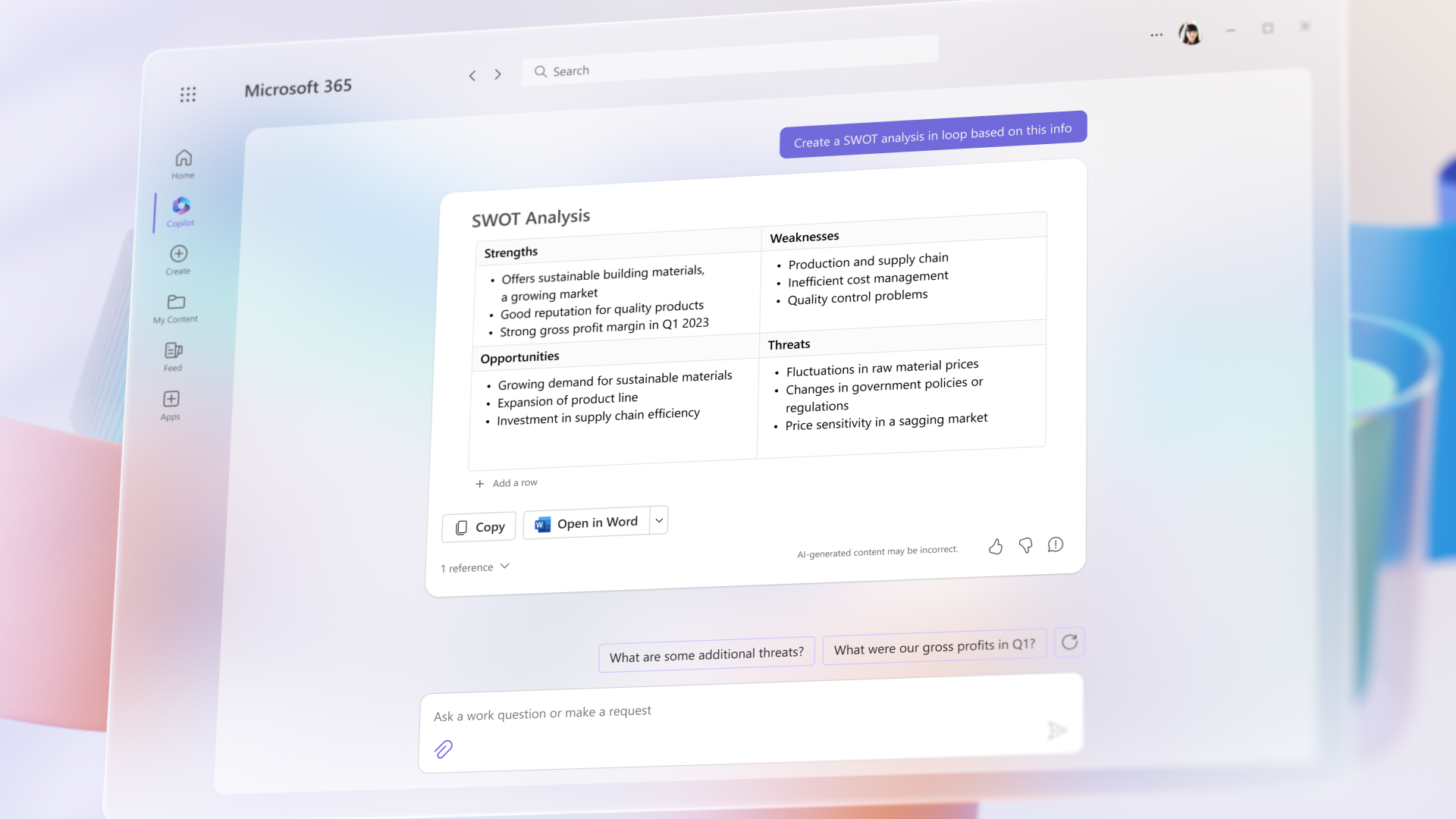
AI acts as a writing assistant that helps you create fast and coherent content. You can start with a few ideas or bullet points, and the AI transforms them into a structured document, with an introduction, body, and conclusion.
In addition, it can rewrite texts, adjust the tone (formal/informal) and correct grammar.
For example: you can enter some ideas for a report → Copilot generates a complete document, ready for editing.
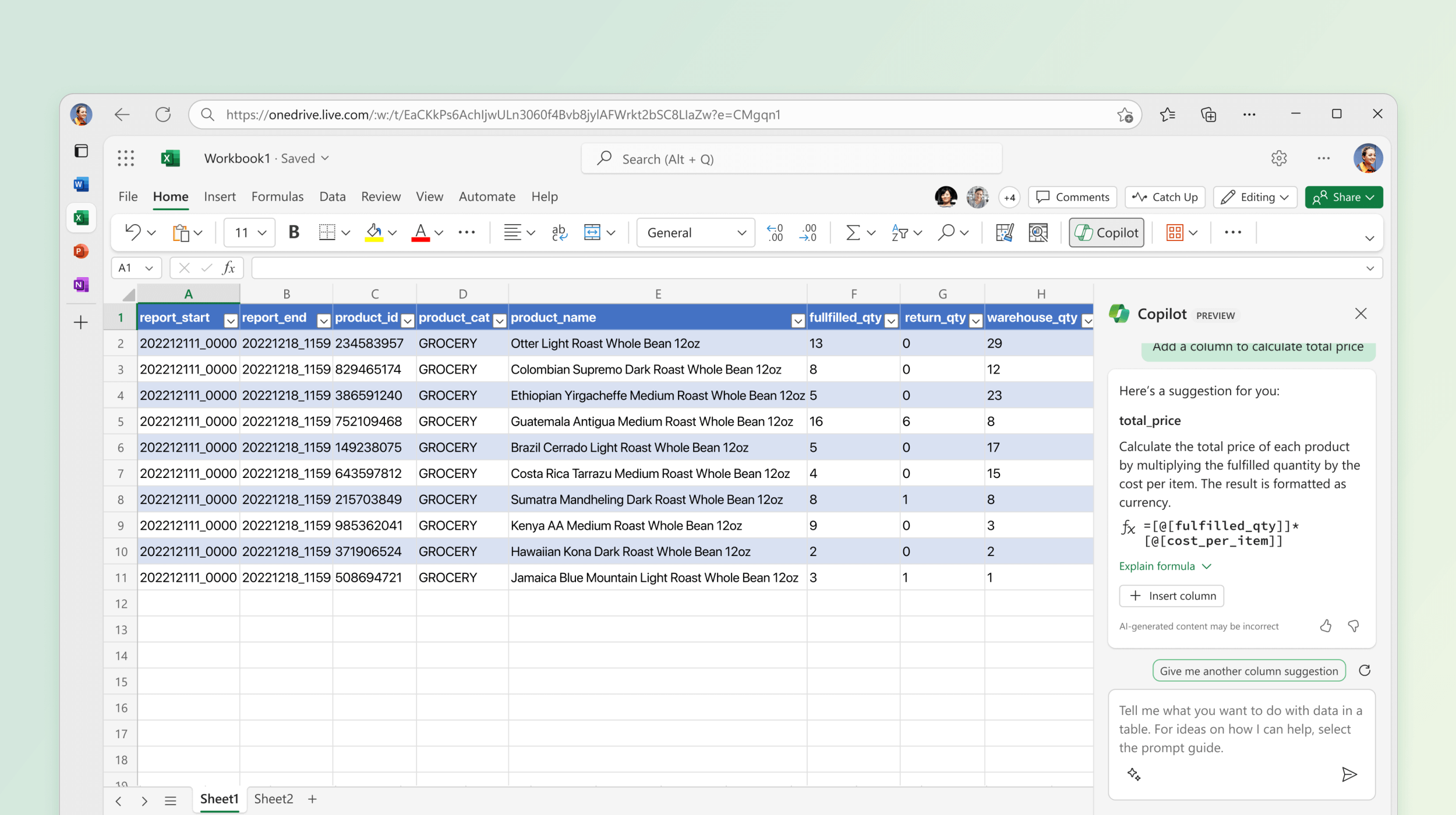
Copilot simplifies the analysis process, eliminating the need for complex formulas or advanced knowledge. It can automatically identify patterns, trends, and anomalies in data, providing easy-to-understand explanations.
It also generates graphs and recommendations based on the data entered.
Example: you upload a sales table → AI shows you the most profitable products and creates relevant graphs.
Copilot helps you manage your daily communication more efficiently. It can summarize long emails, suggest quick replies, and even compose full emails based on short context.
Plus, it helps you maintain a professional and clear tone.
Example: you receive a complex email → AI extracts the main ideas and suggests a suitable response in a few seconds.
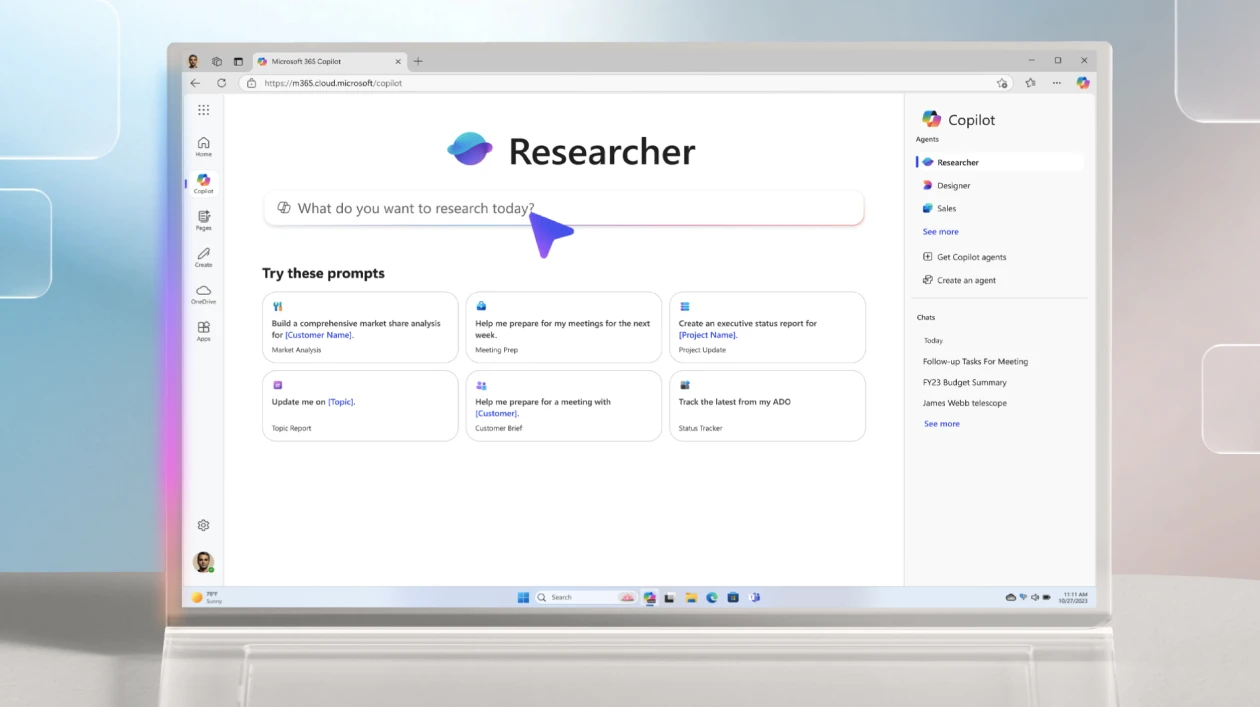
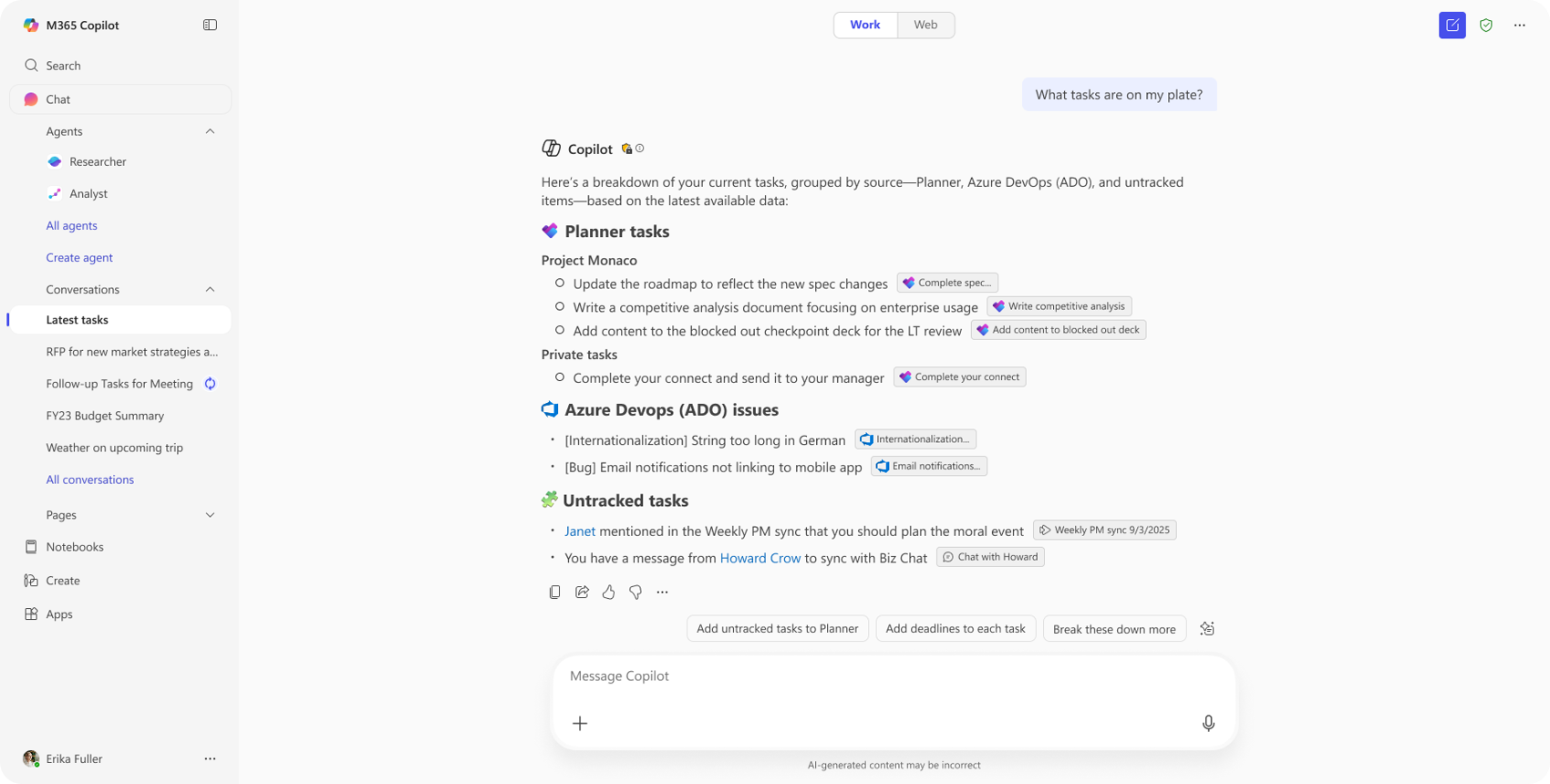
It helps users plan, organize, and manage activities more efficiently through AI-assisted project tracking. Starting with essential task management functionalities, this agent simplifies project coordination and will gradually integrate advanced capabilities.
By implementing this solution, your organization benefits from an intelligent task management system, supported by AI.
The feature is available in Public Preview starting in March and will be launched globally in April.
 BENEFITS