
Your AI-powered assistant natively integrated with the Office applications you already use!
Generate an introduction for an article about sustainability in business.
Add the conclusion for this section and suggest some ideas for improvement.
Write a report on the impact of artificial intelligence on remote work.”
Summarize the main points discussed in this meeting and create a list of actions
Create a follow-up message for the project team, with the conclusions from the meeting.
Organize information in the chat to highlight decisions made.
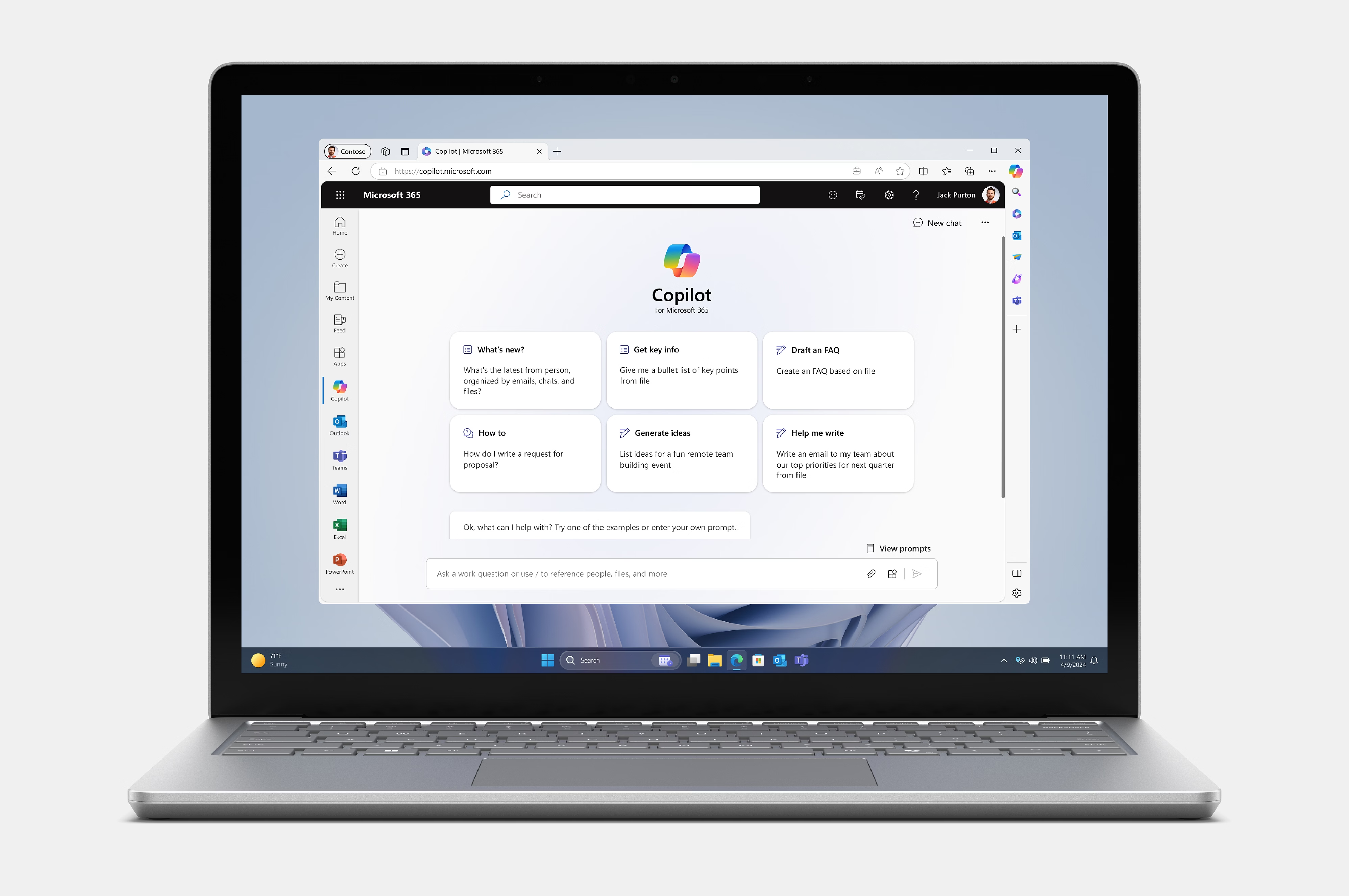
Microsoft Copilot in Microsoft 365 is an artificial intelligence solution integrated into Microsoft applications, designed to improve work efficiency and simplify repetitive processes. With Microsoft Copilot, users in Microsoft Word, Excel, PowerPoint, Outlook, Teams and other applications in the Microsoft suite can benefit from intelligent assistance to create, analyze and organize information.
In Word, Microsoft Copilot can generate detailed outlines, reports, or descriptions from simple ideas or themes, helping you quickly create well-structured content.
In Excel, Copilot can analyze large data sets and propose charts, pivot tables, and other visual tools, saving time and providing detailed insights into the data. Users can ask Copilot to explain certain trends or suggest interpretations, helping to quickly understand the information.
In Outlook and Teams, Microsoft Copilot helps you compose quick email responses, create meeting summaries, highlight key points in discussions, and generate action lists, helping you stay organized and on top of tasks without being overwhelmed by information overload.