
We already know that AI (artificial intelligence) solutions are starting to be increasingly present in everyday life, but also in office activities.
If you want to take a look at the native, out-of-the-box experience that Copilot for Microsoft 365 comes with, then visit this page we created to better understand the integration with the main services in Microsoft 365 -> kodingtech.com/copilot/.
Recently, Microsoft officially announced 'Microsoft Copilot Studio'. A solution that allows you to customize the AI experience and apply this technology to specific scenarios using data from your organization.
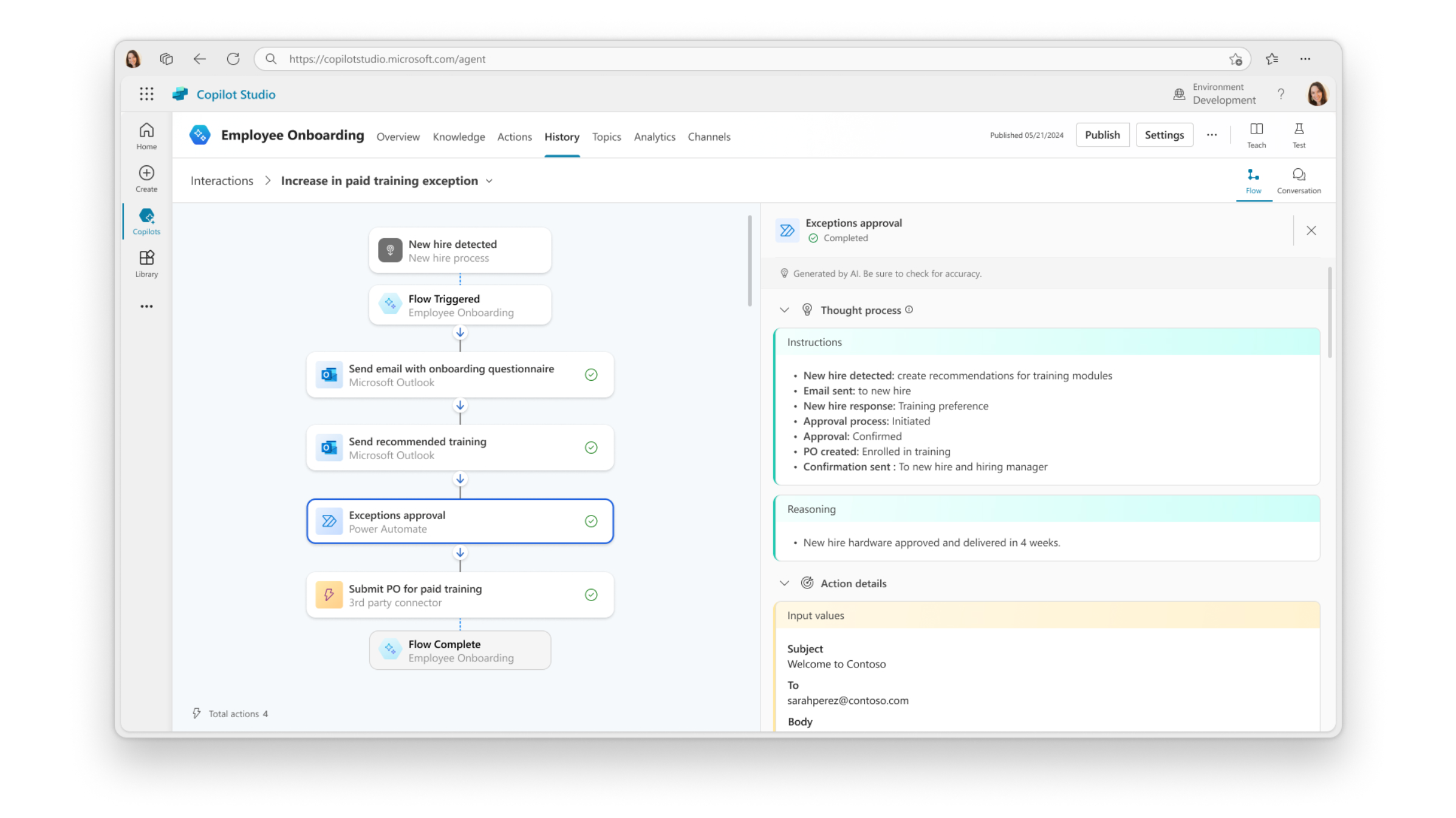
A major change is that we are moving from the 'question - answer' model to more applied scenarios. Co-pilots that can be activated by certain events and that automate or direct complex business processes.
Let's take an example where the copilot is triggered by the arrival of an email. It will analyze the details of the person who sent the email, check previous conversations and try to find a context for the message. If this email is a request for a quote, it will automatically check the stocks and respond accordingly.
Other scenarios in brief:
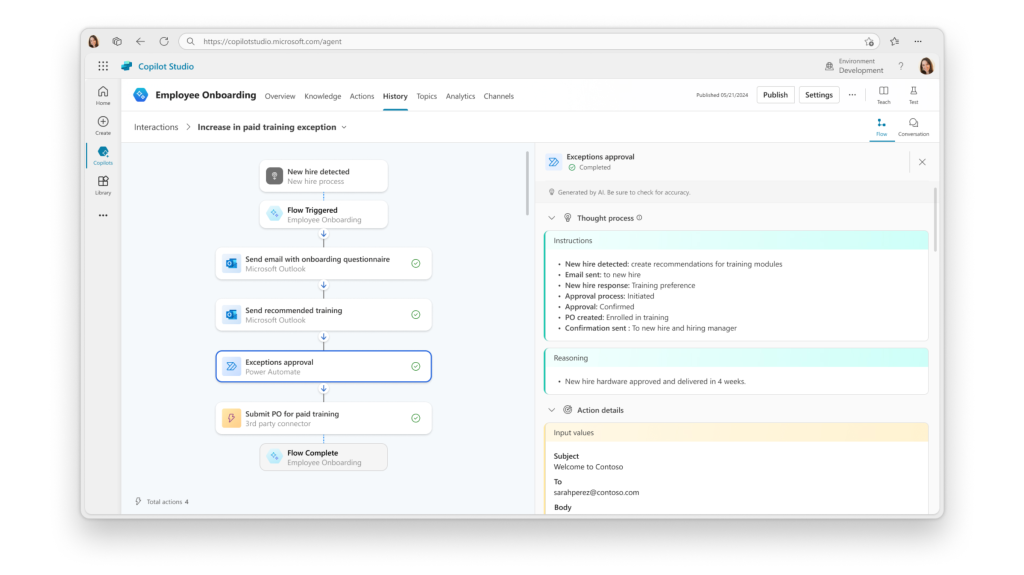
As we already mentioned, all scenarios can be built using information from within the company. We have connectors available for various sources including public websites, SharePoint, OneDrive but also other 3rd party sources. However, we are not limited by predefined connectors, we can pull information using the API.
If you want to stay up to date with news about Copilot Studio, subscribe by filling out the Microsoft form, here.