
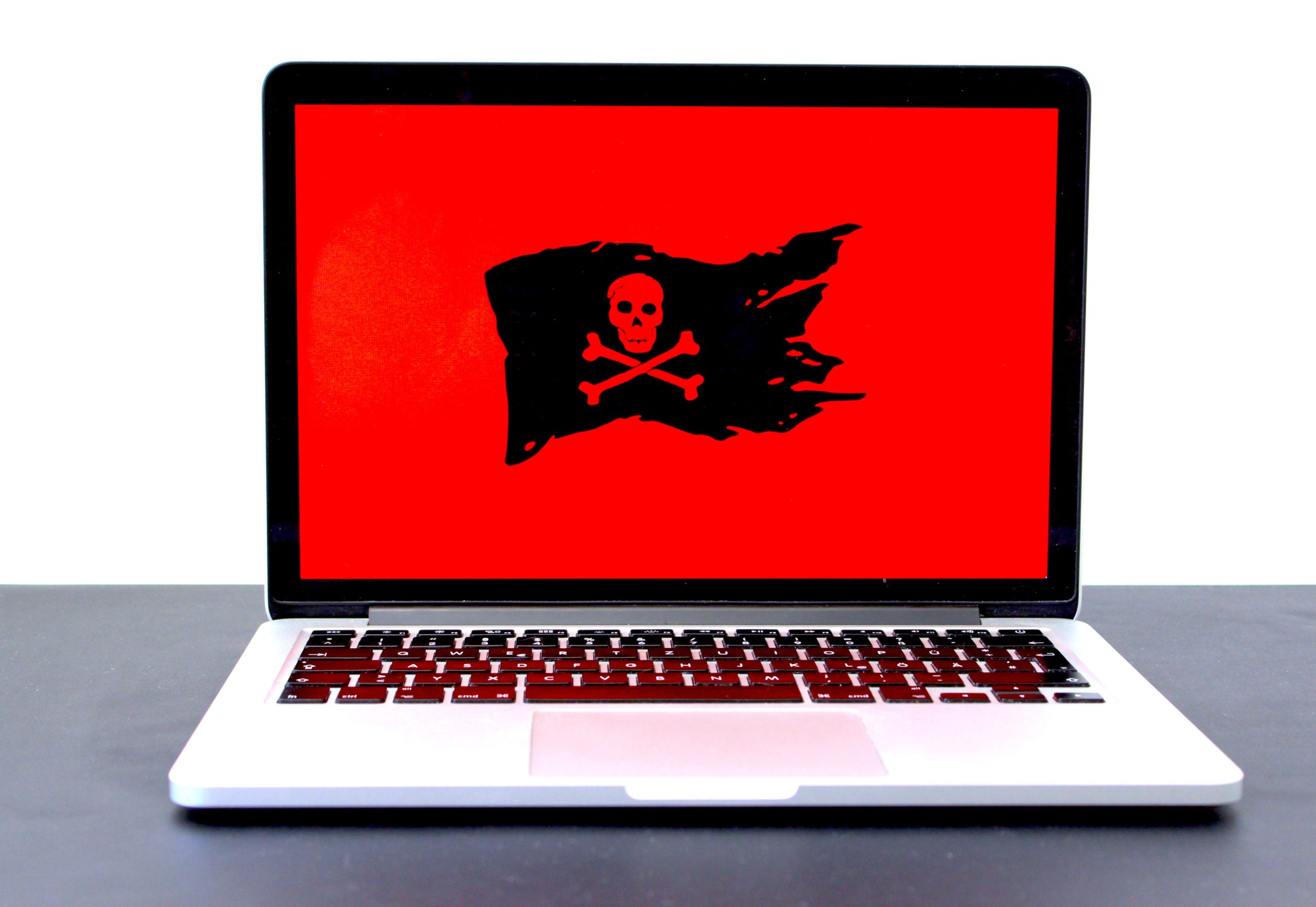
We have already established how important it is information security in a previous article, but the subject is still far from being fully discussed. This is in the context that, right now, when you are on the internet, you are in real danger of your data or the data of the company you work for being compromised (see GDPR data protection) to be stolen.
How can it be done? phishing or identity theft? Including with the help of spyware!
In what follows, you will find out:
What is a spyware virus, one might ask. Well, spyware is not a virus, at least not in the traditional sense. It is, in fact, a "program", a piece of software that you do not want on your computer and that, at least in most cases, you do not install willingly.
Its job is to track your activity and obtain your personal information for use by those who created it. It is one of the main types of malware. What is malware? A collection of programs that attack your computer. This includes adware, viruses, trojans, bots, ransomware, spyware, and so on. To get rid of them, you will need anti-malware applications, for example, the best antivirus. It definitely wouldn't hurt to invest in IT security.
Let's get back to spyware, though. This software will infiltrate your operating system and in this way it will have access to everything you type. From there, it can slow down your computer's performance and edit your settings to gain access to login details for various accounts, emails, or your internet browsing history.
There is also legal spyware, the kind used to monitor computers in a company, parental control software for children's internet activity, or the famous cookies that personalize the browsing experience.
Illegal spyware is the one that attacks your device to obtain banking details, personal information for identity theft or blackmail, or the one that records your online browsing habits and sends you personalized ads. It might even access your webcam and take photos and videos.
So, it's clear that we need to beware of them, both personally and professionally!
It would be ideal to call IT services and IT infrastructure that will ensure that you are not affected by spyware. However, especially if you work in Cloud or do you often use the internet, It will be quite difficult to avoid encounters with such programs. That is why your or your employees' vigilance will be important. Fortunately, you can educate yourself in this regard.
So, you can suspect that you are dealing with a spyware infection if you notice some of the following signs:
If you notice these signals, you may already be the victim of a spyware attack and it is time to seek help. IT solutions from professionals and as quickly as possible!

To be able to recognize this type of digital threats, it will be necessary to familiarize ourselves with them. Here are the most common ones:
The last two can be used to decrypt passwords, forge bank transactions, steal personal information, or monitor computer/phone activity.
Unfortunately, if you don't seek help from specialists and educate yourself, it will be very easy to end up with a beautiful spyware installed. And, most of the time, you will install it yourself willingly.
There are several ways it can attack your laptop/computer. Either through security breaches or with your help. It will download along with other trusted programs, for example, various applications used online or, why not, games.
You could end up with spyware if you click on infected ads or pop-ups, download software from unverified sources, download from torrenting platforms, visit infected domains or sites, or open email attachments when you receive a message from an unknown sender.
Although it would be preferable not to choose one, spyware programs can be removed from your computer or mobile. In this regard:
Of course, you have the option to get rid of the problem manually. You can identify the problematic application/program and uninstall or delete it. Be careful not to delete anything important, though. It would be best to scan the system afterwards anyway, to make sure the infection hasn't spread!
You would also do well to change your passwords following such an episode and contact the banking institutions where you have an account to detect any irregularities.
As I said above, it's better to prevent than to treat. In this regard, you have several protection options available to you and we advise you to use them all!
Generally, a good antivirus will identify and offer you removal options for spyware before it is installed on your computer. Obviously, it needs to be updated regularly to remain effective.
You could do your own market research to find the best antivirus or you could seek help from specialists.
Avoid online ads and search for the product/service separately, not by accessing the ad. Be very careful: when you want to close the pop-up, it is possible to access it accidentally.
Also, do not open email attachments or messages from unknown people. Even if the link was received from a friend or family member, it is better to confirm the sending before accessing.
If you're interested in an app, don't make hasty decisions. Do some research, read some reviews, and try your best to download it from the official website.
This software will help you filter the network and block potentially dangerous websites. Find out more What is a firewall and how does it secure the network?.
We can help you combat spyware through customized IT protection solutions, but also by educating your company's staff. Let's meet. Schedule an appointment through the contact section. contact!